Solution · Logistics

Website for a logistics company with a calculator and tracking

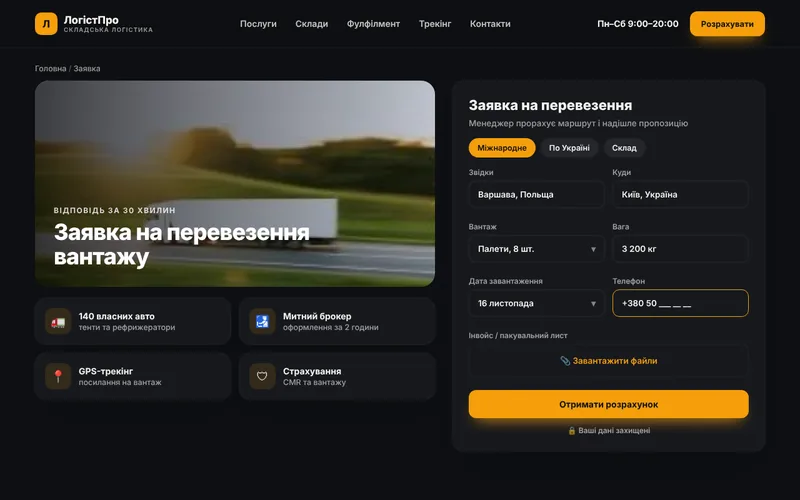
Customers calculate shipping cost and delivery time on the site, submit a request and track their cargo. Managers stop spending their day on back-and-forth calculations in messengers.
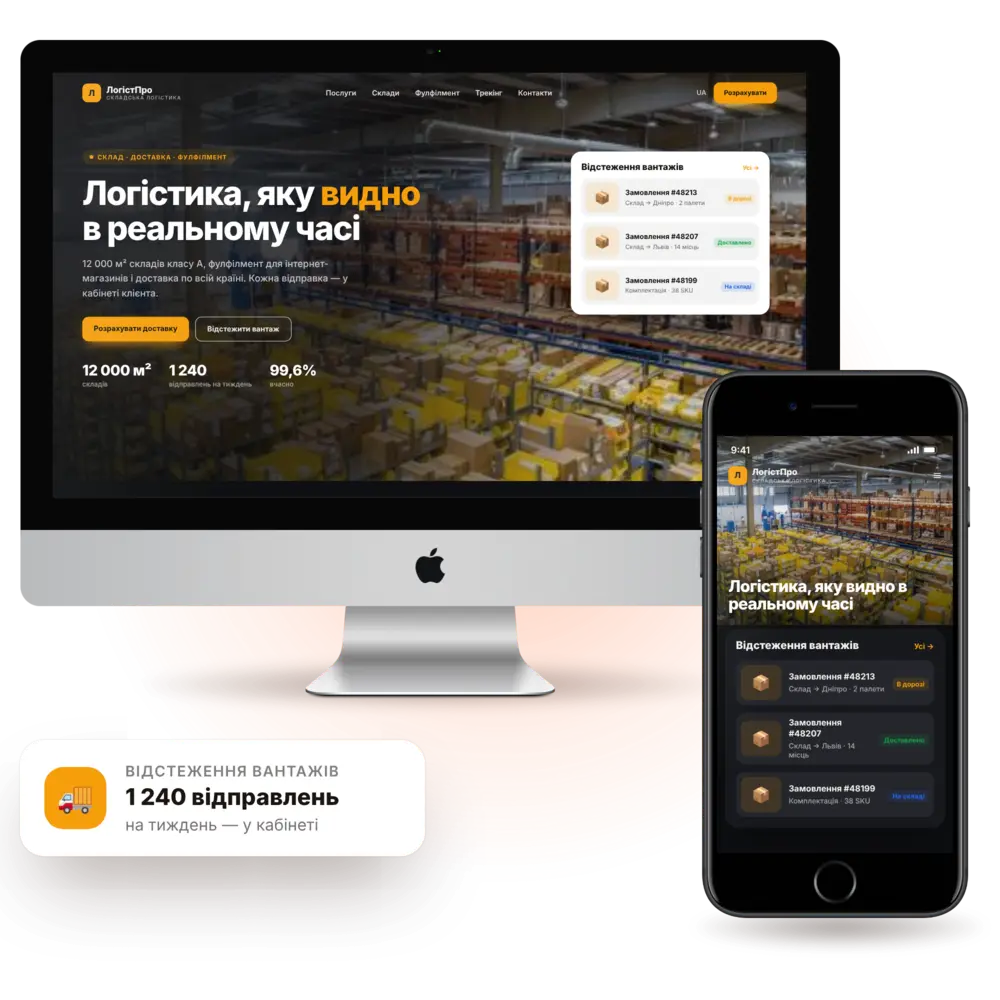
Launch in 7–10 daysShipping calculatorTrackingTurnkey
Logistics company website — a PanoVision solution example

The situation

How it is now — and how it will be

Manual miscalculationsEvery request is a separate spreadsheet, the reply takes an hour, and the client is already with a competitor.
“Where is my cargo?”The same questions every day eat up dispatchers' time.
Requests without documentsData for the waybill is collected across several steps.
No repeat clientsOne-off shipments never turn into a contract.
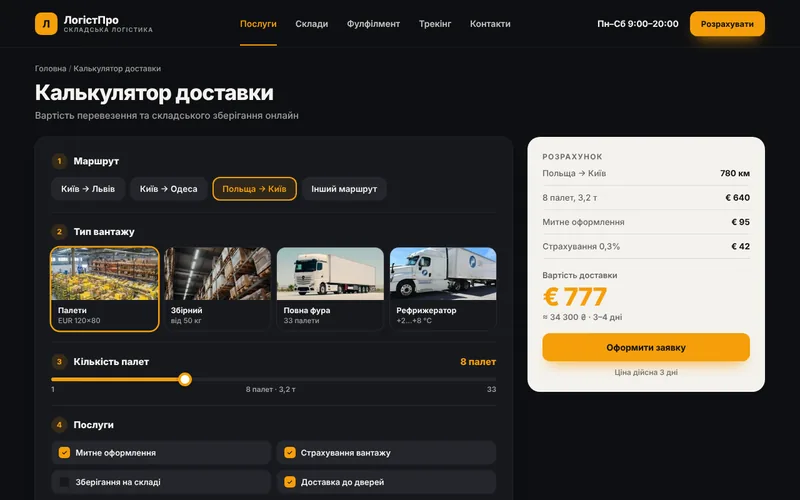
Delivery calculatorRoute, weight, volume and cargo type — price and timing right away.
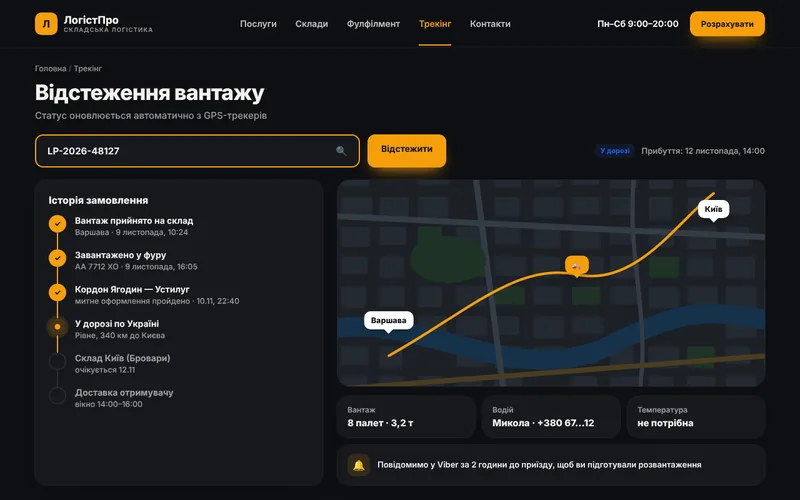
Cargo trackingThe client sees the status by number, without calling the dispatcher.
Request with all the dataAddresses, contacts and cargo parameters arrive at once.
Client portalShipment history, documents and reordering in one click.

Features

What the site includes

Features that take the routine off dispatchers and make the company transparent.

pv-in-logistics-o

Shipping calculator

Pricing by route, weight, volume and cargo type.
pv-ic-api-o

Tracking

Cargo status by request number with an event history.
pv-ic-shield-o

Client portal

Documents, acts, shipment history and repeat orders.
pv-ic-chat-o

Notifications

About acceptance, dispatch, arrival and documents.
pv-ic-seo-o

Routes and services

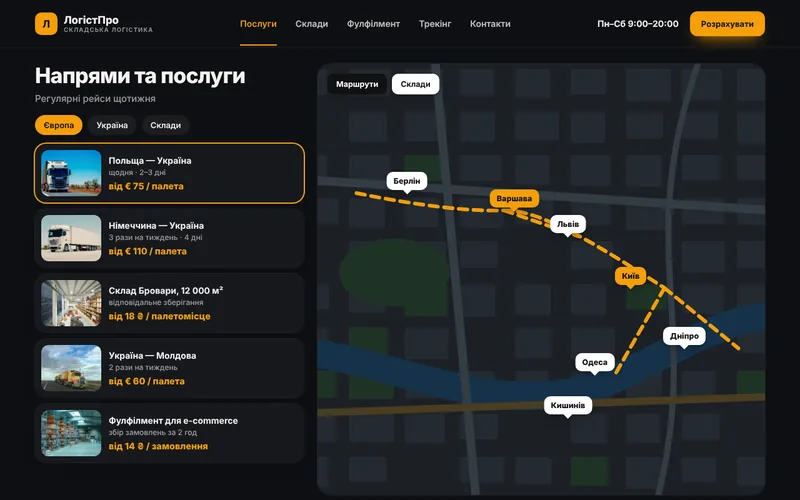
Pages for routes, cargo types and warehouse services.
pv-ic-chart-o

Rates and terms

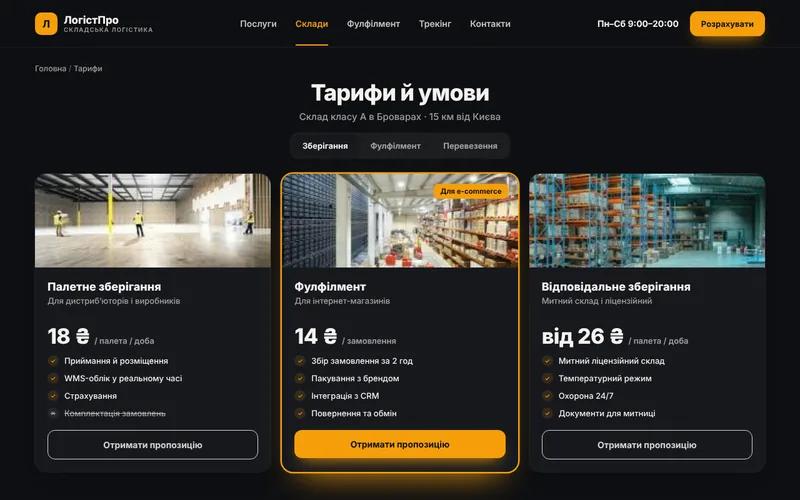
Clear rules, dimensions, insurance and timelines.
pv-ic-auto-o

Document automation

Waybills, invoices and acts are generated without manual entry.
pv-ic-ai-o

AI assistant

Clarifies cargo parameters and produces a preliminary quote.
pv-ic-ads-o

Route-based advertising

Landing pages for specific directions and transport types.

How it works

The client journey from click to order

What happens on the site step by step — and where your team comes in.

1The client finds youThey arrive from search, ads or social media and immediately see what you offer.
2Shipping calculatorPricing by route, weight, volume and cargo type.
3TrackingCargo status by request number with an event history.
4Client portalDocuments, acts, shipment history and repeat orders.
5You receive the requestThe inquiry lands in your CRM and messenger with all the details — you just confirm.

Structure

Which screens will be on the site

The core pages of the solution, so you can see the scope of work and site logic right away.
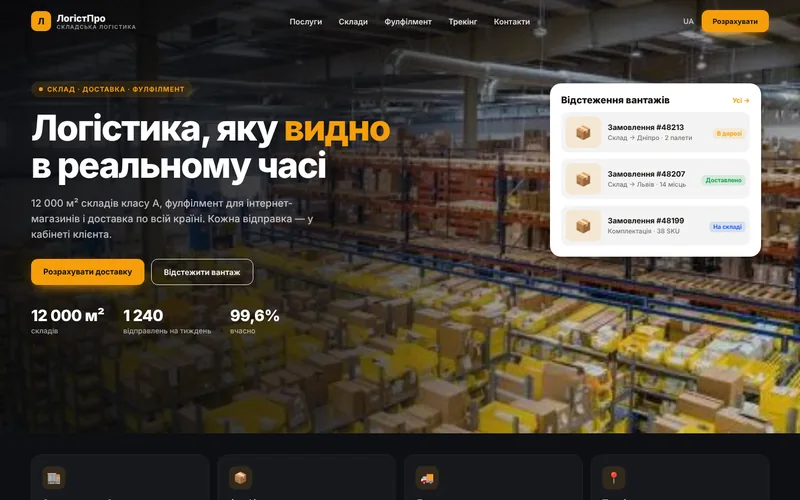
Screen 1
Company homepage — a website screen example
Company homepage
Screen 2
Delivery calculator — a website screen example
Delivery calculator
Screen 3
Cargo tracking — a website screen example
Cargo tracking
Screen 4
Routes and services — a website screen example
Routes and services
Screen 5
Rates and terms — a website screen example
Rates and terms
Screen 6
Shipping request — a website screen example
Shipping request

Integrations

We connect the tools you already use

Your website doesn't work in isolation: leads, payments, documents and notifications flow between your services automatically.

Accounting systemMaps and routesOnline paymentsMessengersEmail newslettersCRMWeb analyticsContextual advertising

Packages

Packages for logistics companies

We fix the package contents in the brief, and discuss pricing individually based on your goals.

StartOn request7–10 daysCompany website with routes and a request form.
  • Design tailored to the company brand
  • Services and routes
  • Request form and notifications
  • SEO foundation and analytics
BusinessOn request3–4 weeksWebsite with a calculator and tracking.
  • Everything in the “Start” package
  • Shipping calculator
  • Tracking by number
  • Integration with accounting
MaximumOn requestfrom 5 weeksCounterparty portal and automation.
  • Everything in the Business plan
  • Portal with documents
  • Automatic waybills and invoices
  • AI assistant and automatic reports

Process

How we work

01

Brief and audit

We analyze your processes, competitors and what is bringing you revenue right now.
02

Prototype and design

Page structure and visuals: you see the result before development.
03

Development and integrations

We build the website, modules, payments and notifications, then test on real scenarios.
04

Launch and growth

We move to the production server, train your team and provide ongoing support.
1Our rates are complex

The calculator supports coefficients, zones, dimensions, and surcharges. We agree on the logic during the briefing.

2Where does tracking get its statuses from?

From your accounting system or manual updates from the dispatcher. Both options work.

3Can prices be shown to only some users?

Yes, some rates can be restricted to a counterparty-only portal.

4How long will it take?

A website with a calculator and tracking takes 3–4 weeks, depending on integrations.

Contacts

Tell us about your challenge — we'll propose a solution

Describe how everything works right now. We'll come back with a solution, budget and timeline.

  • Quick project assessment and work plan
  • Fixed stages and transparent budget
  • One team: development, AI, and advertising
  • Support and growth after launch

Project inquiry