Solution · Accounting and Finance

Website for accounting and financial services

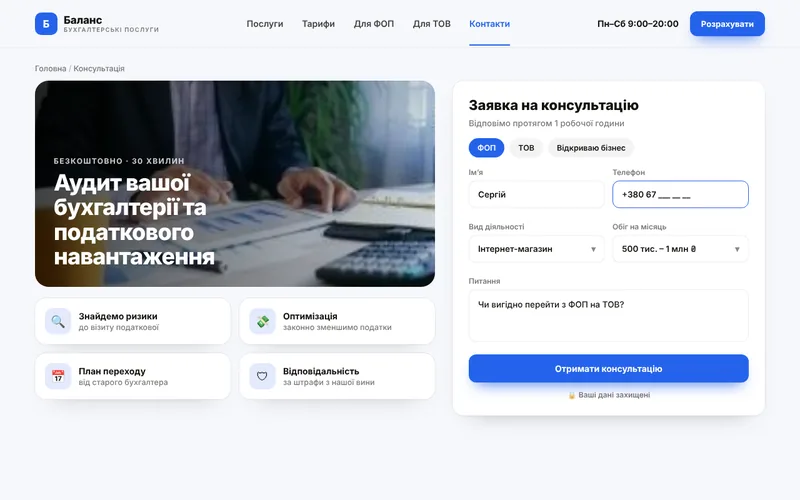
Transparent maintenance packages, a cost calculator and secure document exchange. Clients understand the price before the call, and you receive a request with the business form and scope.
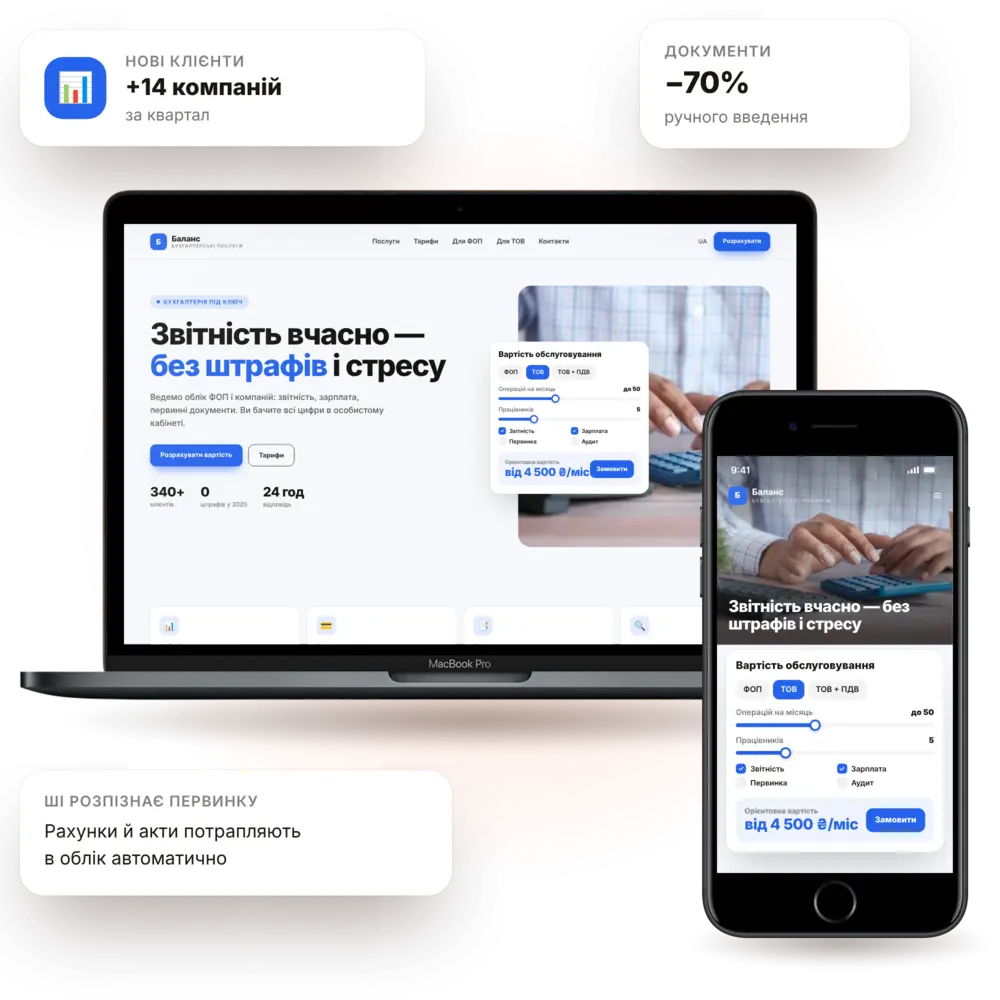
Launch in 7–10 daysMaintenance calculatorPackages & plansTurnkey
Accounting services website — PanoVision solution example

The situation

How it is now — and how it will be

«How much does maintenance cost?»The answer depends on a dozen factors — and every call starts from scratch.
Clients can't see the difference between packagesSole proprietor, LLC, VAT — people don't know what they actually need.
Documents fly around in messengersScans in chats, lost files and privacy risks.
Seasonal peaks overwhelm the teamDuring reporting periods, no one can keep up with new inquiries.
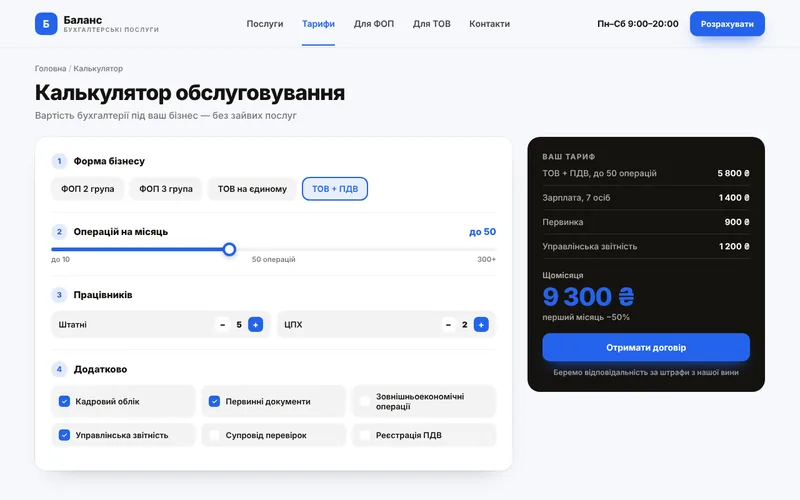
Cost calculatorBusiness type, number of transactions and employees — and the price on screen.
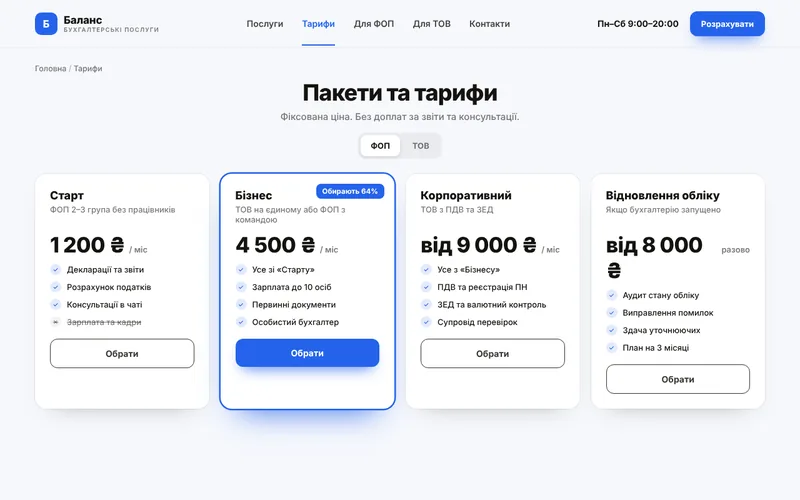
Clear packagesWhat's included, what isn't and who each is for — a table instead of phone explanations.
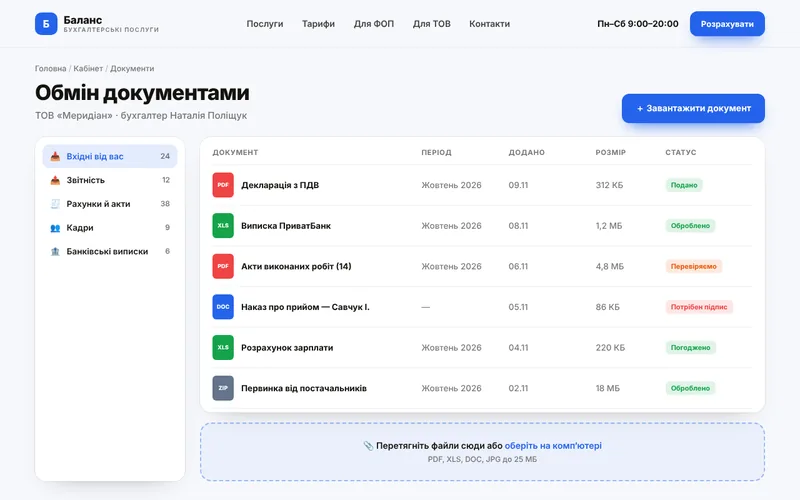
Secure document exchangeA client portal instead of chats: files, statuses and reminders.
Routine automationReminders about reports and taxes are sent to clients automatically.

Features

What the site includes

A website as the first filter: it explains, calculates and takes routine work off your hands.

pv-in-finance-o

Maintenance calculator

Calculation based on business type, turnover and number of employees.
pv-ic-chart-o

Packages & plans

Comparison of packages and services with transparent terms.
pv-ic-shield-o

Client account

Document exchange, statuses and reporting history.
pv-ic-chat-o

Report reminders

Tax and reporting deadlines — via automatic notifications.
pv-ic-seo-o

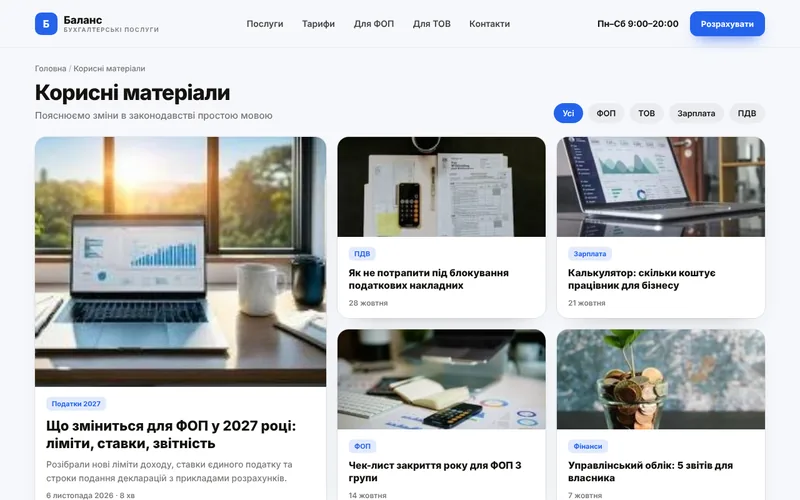
Useful content

Articles and guides that bring clients from search.
pv-ic-api-o

Accounting integrations

Connection with your systems and bank statements.
pv-ic-ai-o

AI assistant

Answers typical questions and qualifies inquiries.
pv-ic-auto-o

Process automation

Application, contract, invoice and reminders — with no manual work.
pv-ic-ads-o

Ads for services

Landing pages for sole proprietors, LLCs, bookkeeping recovery and audits.

How it works

The client journey from click to order

What happens on the site step by step — and where your team comes in.

1Client finds youThey arrive from search, ads or social media and immediately see what you offer.
2Maintenance calculatorCalculation based on business type, turnover and number of employees.
3Packages & plansComparison of packages and services with transparent terms.
4Client portalDocument exchange, statuses and reporting history.
5You receive an inquiryThe request lands in your CRM and messenger with all details — you just confirm.

Structure

Which screens will be on the site

The core pages of the solution, so you can see the scope of work and site logic right away.
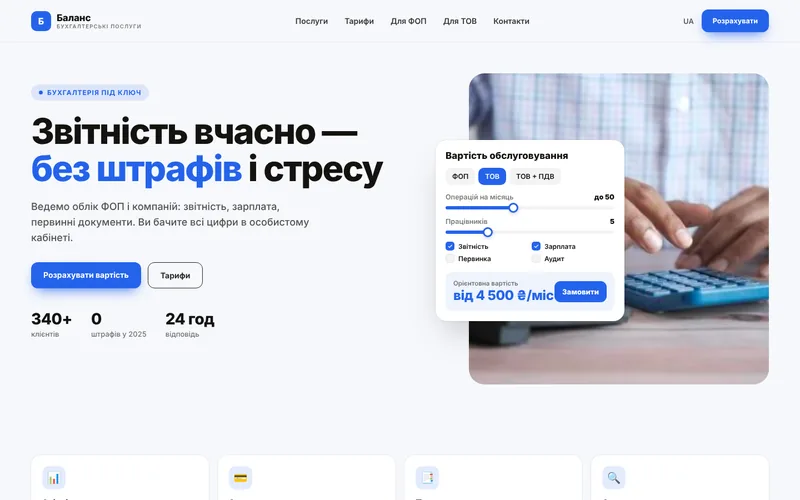
Screen 1
Company homepage — website screen example
Company homepage
Screen 2
Maintenance calculator — website screen example
Maintenance calculator
Screen 3
Packages & plans — website screen example
Packages & plans
Screen 4
Document exchange — website screen example
Document exchange
Screen 5
Useful content — website screen example
Useful content
Screen 6
Consultation request — website screen example
Consultation request

Integrations

We connect the tools you already use

Your website doesn't work in isolation: leads, payments, documents and notifications flow between your services automatically.

Accounting systemsBank statementsElectronic signatureOnline paymentsMessengersEmail newslettersCRMWeb analytics

Packages

Packages for accounting services

We fix the package contents in the brief, and discuss pricing individually based on your goals.

StartOn request7–10 daysA website with services, plans and an inquiry form.
  • Design tailored to the company's brand
  • Services and packages
  • Inquiry form and notifications
  • SEO basics and analytics
BusinessOn request10–14 daysWebsite with a cost calculator.
  • Everything in the Start package
  • Service cost calculator
  • Blog and helpful resources
  • CRM integration
MaximumOn requestfrom 4 weeksClient portal and automation.
  • Everything in the Business package
  • Portal with document exchange
  • Reporting deadline reminders
  • AI assistant and automated reports

Process

How we work

01

Brief and audit

We analyze your processes, competitors and what is bringing you revenue right now.
02

Prototype and design

Page structure and visuals: you see the result before development.
03

Development and integrations

We build the website, modules, payments and notifications, then test on real scenarios.
04

Launch and growth

We move to the production server, train your team and provide ongoing support.
1Our pricing is tailored to each project

The calculator provides a "from–to" price range based on your criteria, which prepares the client and saves your time.

2Is it safe to transfer documents through the website?

Yes, provided there is a secure portal, encryption, and restricted access rights — we build these in by default.

3Can it be integrated with our accounting system?

Yes, if it has an API or file exchange. We review this at the brief stage.

4Do we need a blog?

It works well for this niche: guides and explainers bring in clients from search for years.

Contacts

Tell us about your challenge — we'll propose a solution

Describe how everything works right now. We'll come back with a solution, budget and timeline.

  • Quick project assessment and work plan
  • Fixed stages and transparent budget
  • One team: development, AI, and advertising
  • Support and growth after launch

Project inquiry